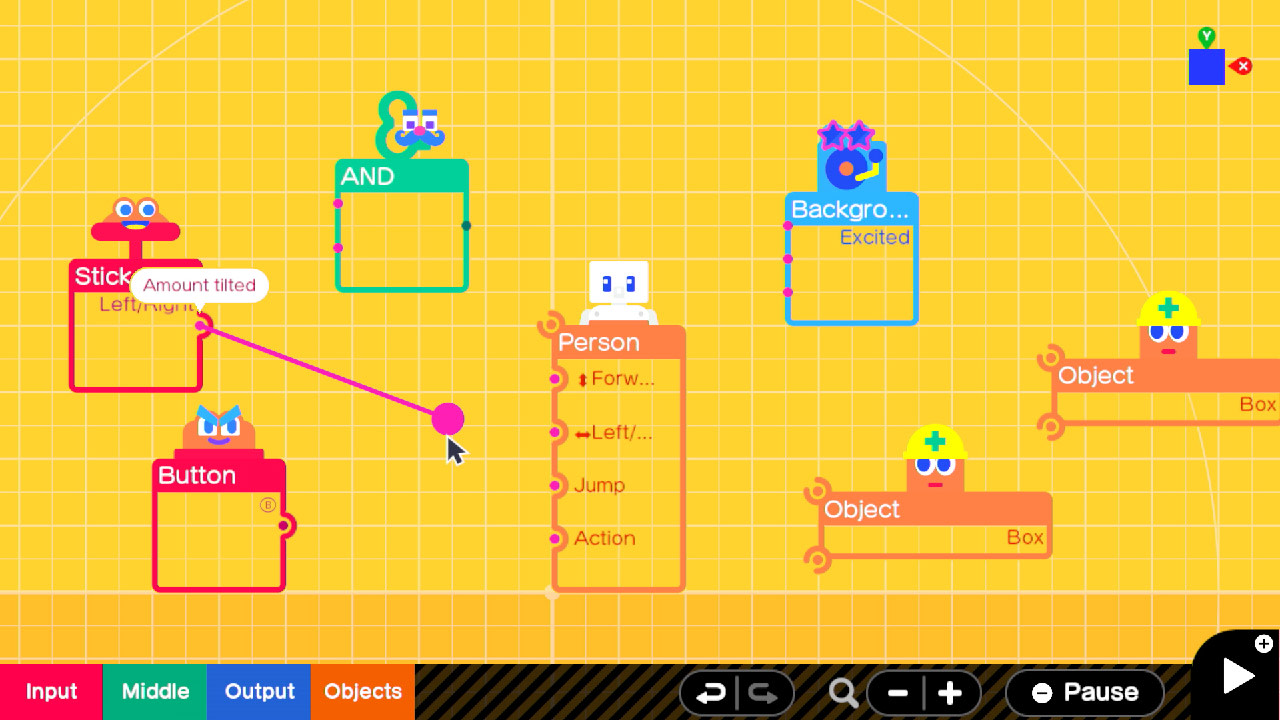
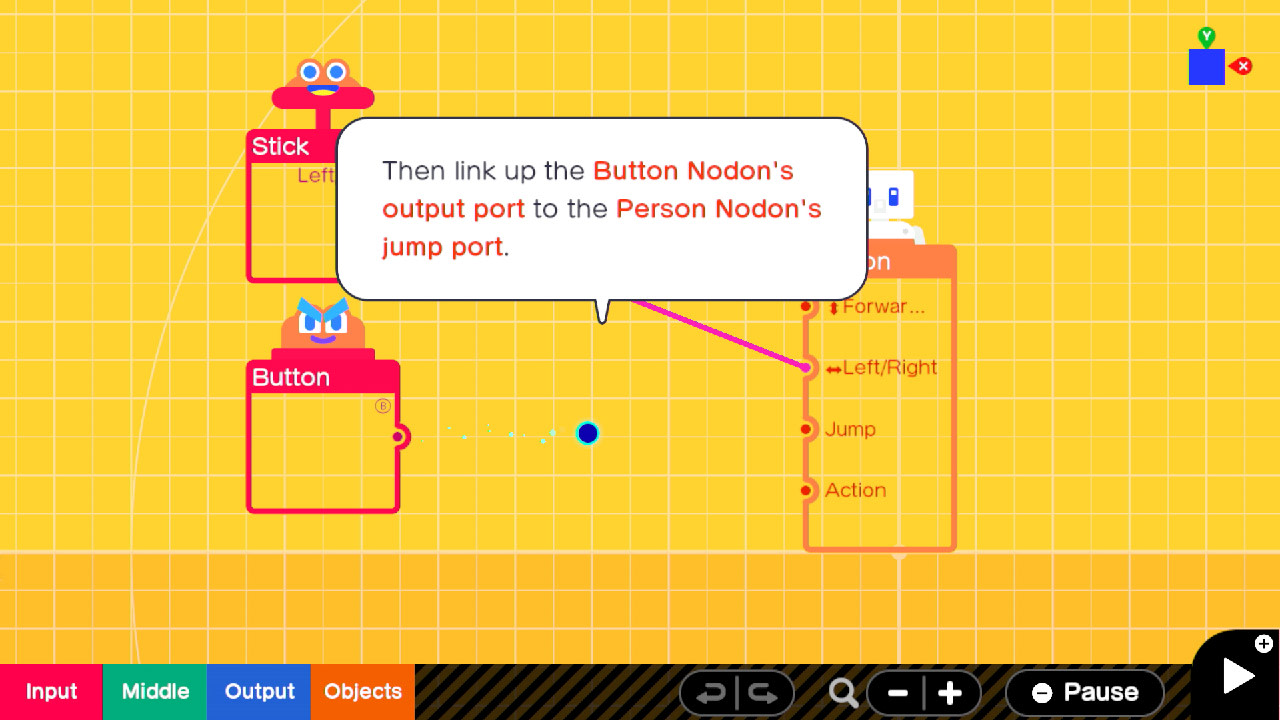
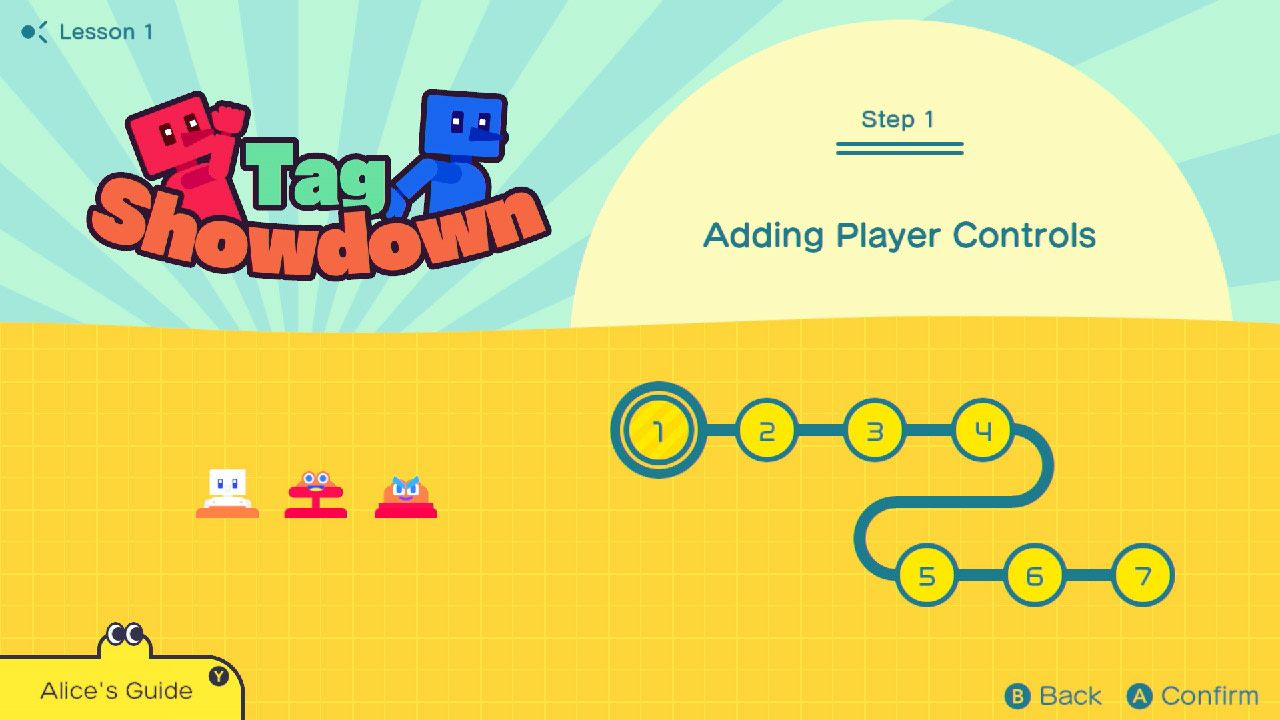
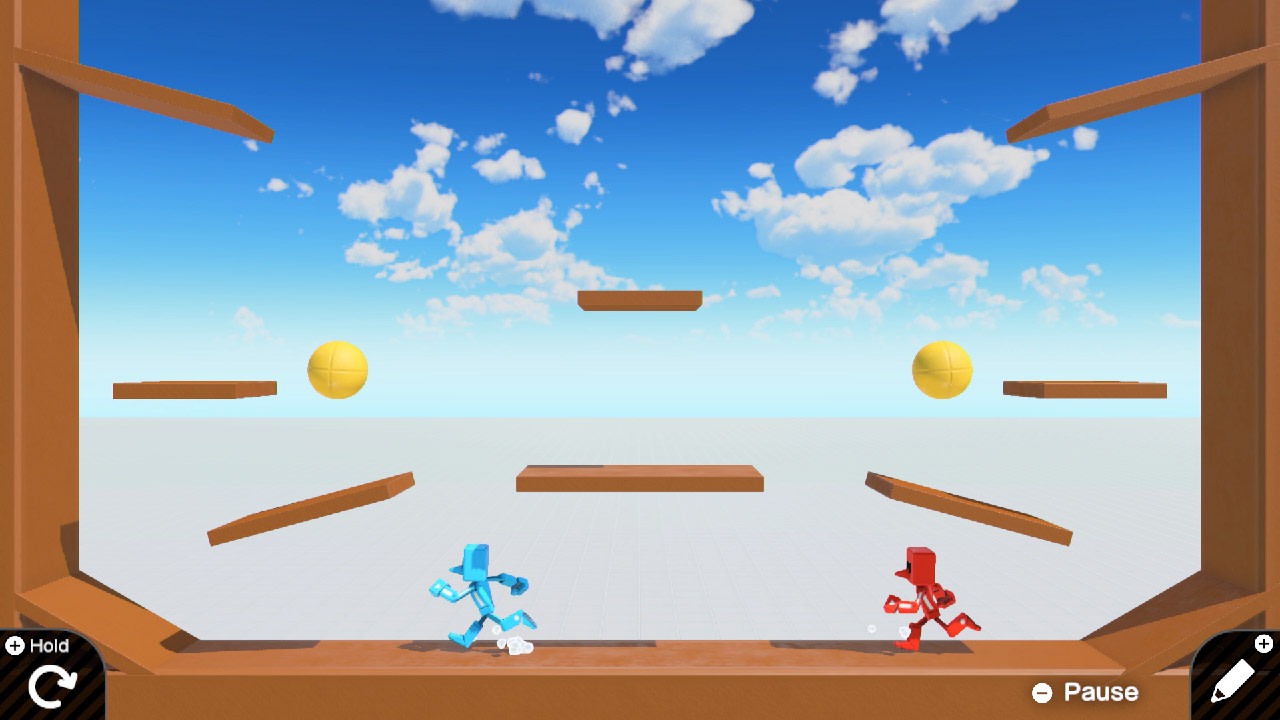
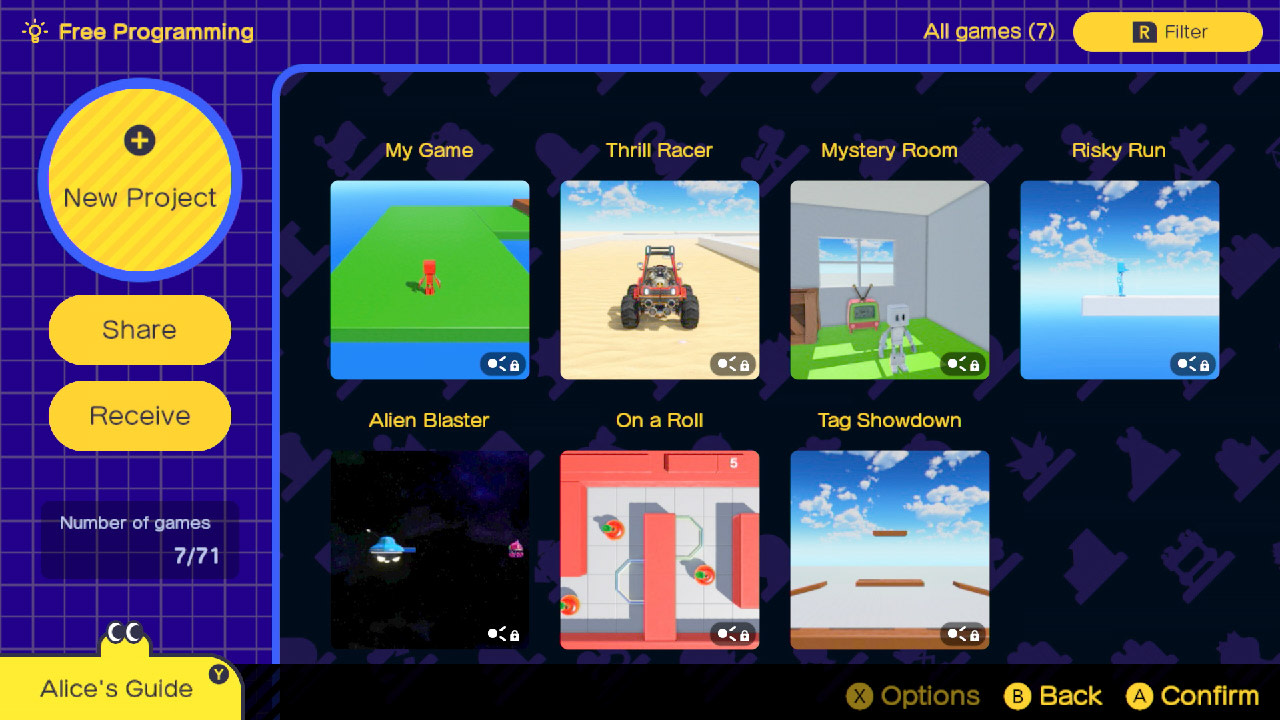
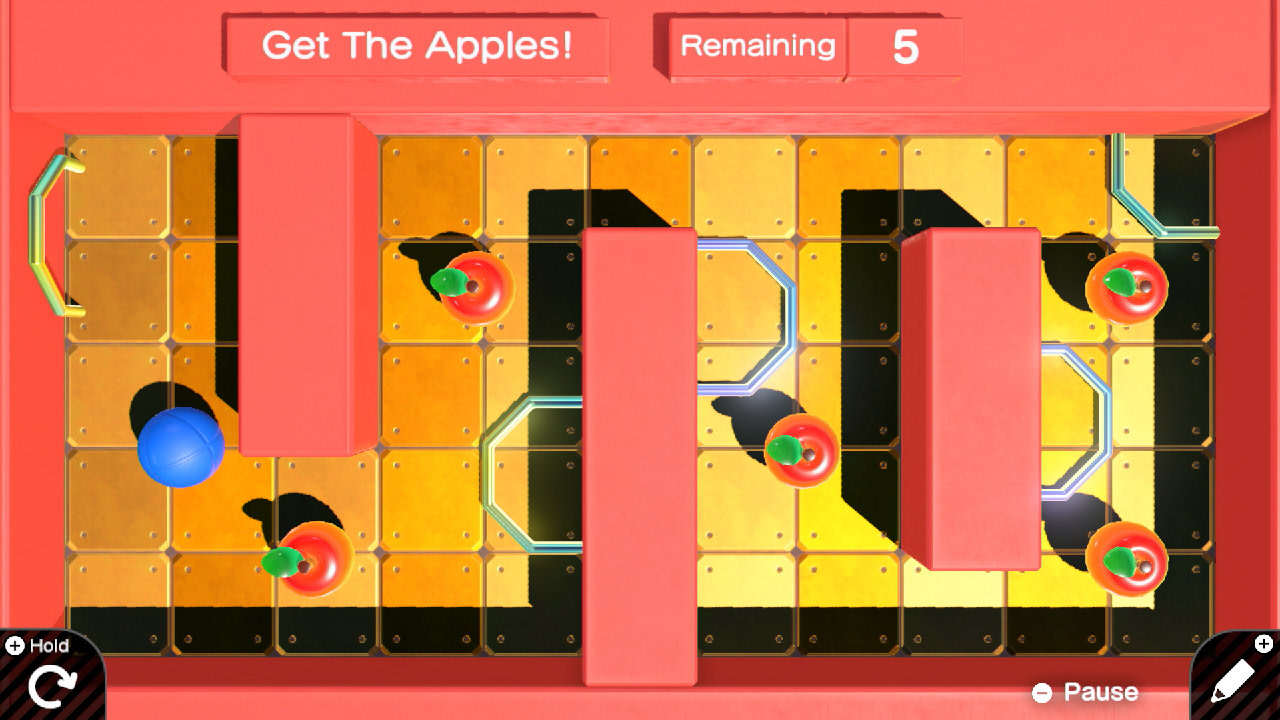
Kids can learn how to make their own games with guided lessons created by Nintendo. From a simple game of tag to a run-and-jump obstacle course, each lesson is broken down into multiple, manageable segments that let kids go at their own pace—and have fun in the process. Learn the basics of visual game programming By playing through interactive lessons, kids will learn the basics of visual game programming. Nodon, colorful creatures with distinct personalities, keep kids engaged through lessons with tips and motivating messages. With a simple press of a button, swap between the programming screen and the game screen—watch how programming changes the game on the fly. Track progress and build confidence After completing each lesson and building a game, kids will test their knowledge by completing Checkpoints—small puzzles or tasks to solve with programming. Master these skills and head to Free Programming mode to let your imagination (and programming chops) run wild. The Nodon you meet each have distinct personalities that complement their functions. Have fun connecting them together to see how they interact and bring your game to life. The in-game Nodopedia lets you quickly check what each Nodon does as you create. There’s also a guide that recaps important skills! Easily swap between the Programming and Game screens to see the hard-working Nodon in action. Take advantage of the Nintendo Switch system’s many features. Instead of the control stick, program motion controls to control your game. Want to create some competition? Add in a multiplayer function and pass a Joy-Con™ controller to a friend. It’s up to you (and your Nodon friends) to decide what type of game you want to make. Looking for inspiration? Exchange codes and download* games from friends. You can even go into Free Programming mode to look at those downloaded games’ programming and put your own twist on it. Upload your own creations and share them with other Game Builder Garage players*. Learn programming, build games, and share with friends!

 star7.7
附带导航! 第一次的游戏程式设计
Game Builder Garage™
媒体图赏
游戏概览



附带导航! 第一次的游戏程式设计
Game Builder Garage™游戏截图
预览全部游戏简介
Kids can learn how to make their own games with guided lessons created by Nintendo. From a simple game of tag to a run-and-jump obstacle course, each lesson is broken down into multiple, manageable segments that let kids go at their own pace—and have fun in the process. Learn the basics of visual game programming By playing through interactive lessons, kids will learn the basics of visual game programming. Nodon, colorful creatures with distinct personalities, keep kids engaged through lessons with tips and motivating messages. With a simple press of a button, swap between the programming screen and the game screen—watch how programming changes the game on the fly. Track progress and build confidence After completing each lesson and building a game, kids will test their knowledge by completing Checkpoints—small puzzles or tasks to solve with programming. Master these skills and head to Free Programming mode to let your imagination (and programming chops) run wild. The Nodon you meet each have distinct personalities that complement their functions. Have fun connecting them together to see how they interact and bring your game to life. The in-game Nodopedia lets you quickly check what each Nodon does as you create. There’s also a guide that recaps important skills! Easily swap between the Programming and Game screens to see the hard-working Nodon in action. Take advantage of the Nintendo Switch system’s many features. Instead of the control stick, program motion controls to control your game. Want to create some competition? Add in a multiplayer function and pass a Joy-Con™ controller to a friend. It’s up to you (and your Nodon friends) to decide what type of game you want to make. Looking for inspiration? Exchange codes and download* games from friends. You can even go into Free Programming mode to look at those downloaded games’ programming and put your own twist on it. Upload your own creations and share them with other Game Builder Garage players*. Learn programming, build games, and share with friends!
猜你喜欢
查看全部撰写评论
暂时还没有玩家评论,欢迎留下你的体验。
完善评价信息
提交成功
感谢您的评价,我们将尽快审核并展示。

登录账号
继续访问你的 Switch 游戏资料库
还没有账号?
创建账号
收藏游戏,查看下载记录与会员资源
已有账号?
找回密码
输入账号以继续找回密码
重置密码
请设置新的登录密码
热门搜索
搜索历史
最近上新
没有匹配的快捷结果,按 Enter 查看完整搜索结果
提交成功
您的手机号已提交。